- Set the width of each design, height follows your art
- Any quantity per design
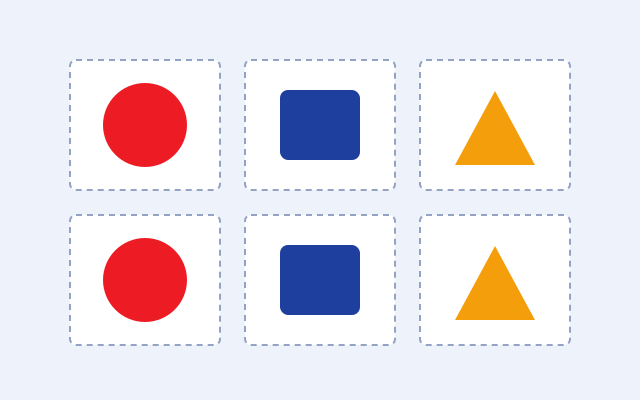
- Every transfer trimmed and ready to press
- Resolution check on every design
- Ships in 1 business day
Live
DTF Pre-Cut Transfers
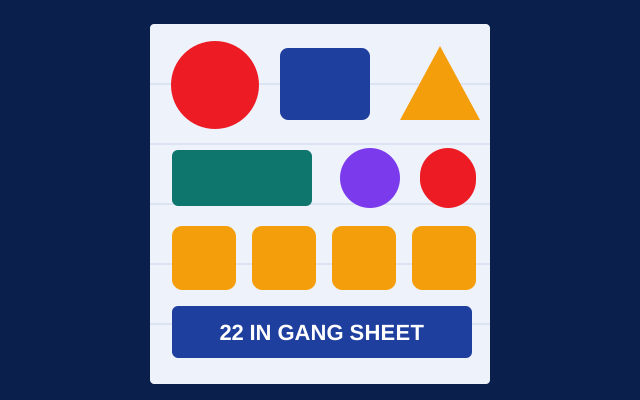
Upload your designs with a size and quantity. We gang them, print them and cut each transfer apart.
Upload your designs with a size and quantity. We gang them, print them and cut each transfer apart.
- Set the width of each design, height follows your art
- Any quantity per design
- Every transfer trimmed and ready to press
- Resolution check on every design
- Ships in 1 business day
- Send a PNG with a transparent background. DTF prints everything in the file, so a white or colored box around your design prints too.
- Make the art at the size you want it printed, at 300 ppi. We flag anything under 250 ppi, and anything under 150 ppi will look soft or blocky.
- Leave out shirt mockups, guides and crop marks. Only the art itself should be in the file.
- Thin lines and small text need to be at least 1 pt and 6 pt to hold up when pressed.
- White in your design prints as white ink. If you want the shirt color to show through, make that area transparent.
- Upload each design on its own. We gang them and cut each transfer apart for you.
More help: File setup guide and the DTF guide.
- This product ships in 1 business day once your files pass the check.
- Files that pass our check by 11 AM Central start production that day. After 11 AM, they start the next business day.
- Rush takes 1 business day off, down to next business day at the soonest. It adds 25% to the price.
- Pickup is free at our shop in Arlington, Mon to Fri, 8 AM to 5 PM. We'll email you when your order is ready.
- We ship UPS Ground anywhere in the US. You'll get tracking by email as soon as it ships.
- Is there a minimum order?
- Yes. Small orders are billed at the minimum shown in the price box. Add more designs or copies and you'll get more for the same price.
- How do I pick a size?
- Set the width of each design. The height follows your art so it never stretches.
- How do I press DTF transfers?
- Press at 300 to 320 F for 10 to 15 seconds with medium pressure. Let it cool, peel the film, then press again for 5 seconds with a cover sheet.
- What if my file has a problem?
- We check every file when your order comes in. If something's wrong, we'll email you with what to fix and a link to upload a new file. Production starts once it passes.
- Can I pick up my order?
- Yes. Pickup is free at 106 A. E. Petsche Ct, Suite 120, Arlington, TX 76012, Mon to Fri, 8 AM to 5 PM. We'll email you when it's ready.
- Do you reprint mistakes?
- If we made a production mistake, we reprint it free. We can't reprint for file issues like low resolution, misspelled words or missing fonts, so check your art before you order.